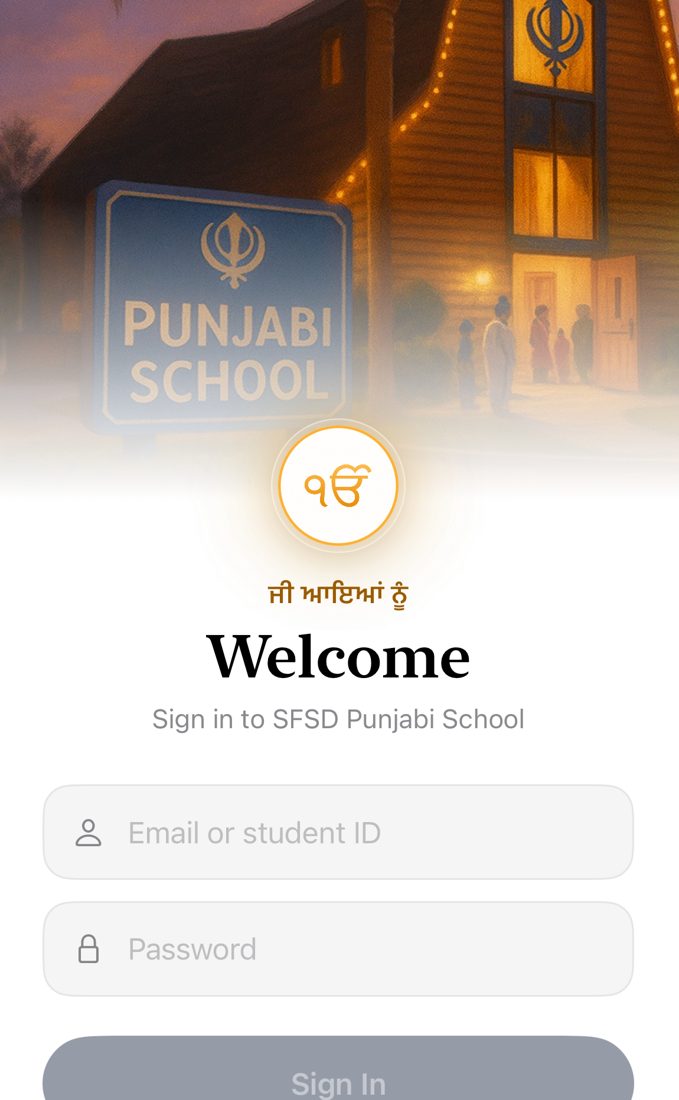
Homework, attendance and messages for the Sikh Foundation San Diego Punjabi School. One app for families, teachers and admins, on iPhone, iPad and Android.
Free · Beta for invited SFSD Punjabi School families and staff
See what's due for each child, then submit by photographing your pages or attaching a file. Grades and teacher feedback come back to the same place.
Families who share an email can switch between their children to check homework, progress and attendance.
Post homework for your grade, mark submissions with written notes on the page, and answer questions from families.
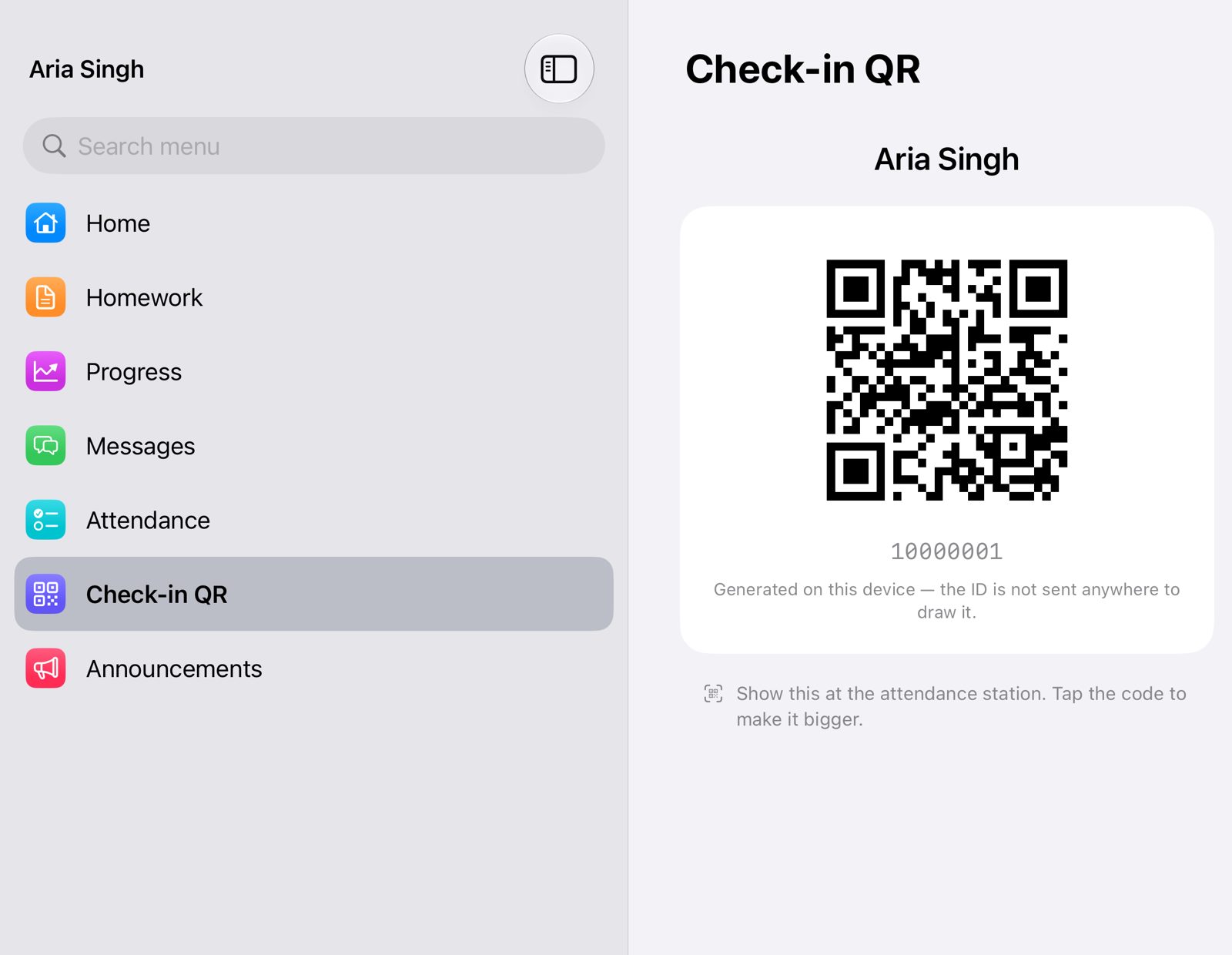
Take the register on a phone or tablet, or run the check-in station that scans students' QR badges at the door.
School announcements on the home screen, holidays ahead, and messages between families and staff.
Layouts made for iPhone, iPad and Android tablets. Screens you've opened recently still open with no connection.
Testers are invited by email. Install Apple's free TestFlight app, then open the invite email on your iPhone or iPad and tap View in TestFlight to install the SFSD School App.
Open the link below while signed in to Google Play with the account you were invited with, tap Become a tester, then install the app from Google Play.
The beta is for invited families and staff. Sign in with your school account, the same one you use on the school's website.
 SFSD School